 Pocket Routes
A little help with your next delivery.
Pocket Routes support
Contact us
Email info@tontech.co. Include your device model, iOS version, game version, delivery number and what happened. Attach a screenshot if useful. Do not send passwords or payment details.
How do I play?
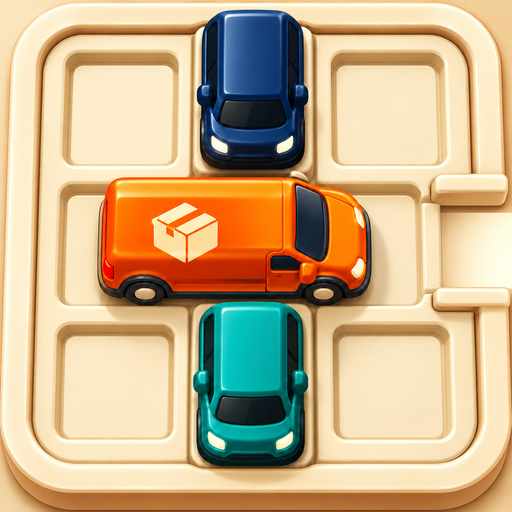
Slide blocking vehicles along their length. When the lane is clear, tap the orange delivery vehicle to drive out. A blocked attempt shows a bump and returns the vehicle without costing a move. Undo and Restart let you rethink the route.
Hints and ads
A hint points to a useful move. When available, completing an optional rewarded video earns a hint. Closing it early does not. Ads require a connection and may be unavailable. Campaign puzzles remain playable offline. Beta builds use Google test ads.
Saved progress
Campaign progress, unfinished routes and preferences are stored on your device. There is no in-game account or cloud-save service. Deleting the app may remove local progress. Before reinstalling to troubleshoot, contact support.
Music and sound
Tap the speaker button on the home or game screen to mute or unmute. Settings also has separate music, effects and haptics switches. Check device volume and audio output if sound is missing.
Daily reminders
Reminders are optional. Enable them in Settings, then allow notifications in iOS. They are local reminders for the next daily puzzle, not messages from other players. You can turn them off in the game or in iOS Settings.
Playing with a friend
Share the challenge code and have your friend paste it into Play together. Local tag team alternates turns on one phone. Advanced online rooms require a reachable shared server; a public room service is not currently provided.
Privacy choices
Open Settings → Ads and privacy for available advertising privacy choices. iOS Settings controls tracking permission. Read our privacy policy for details.